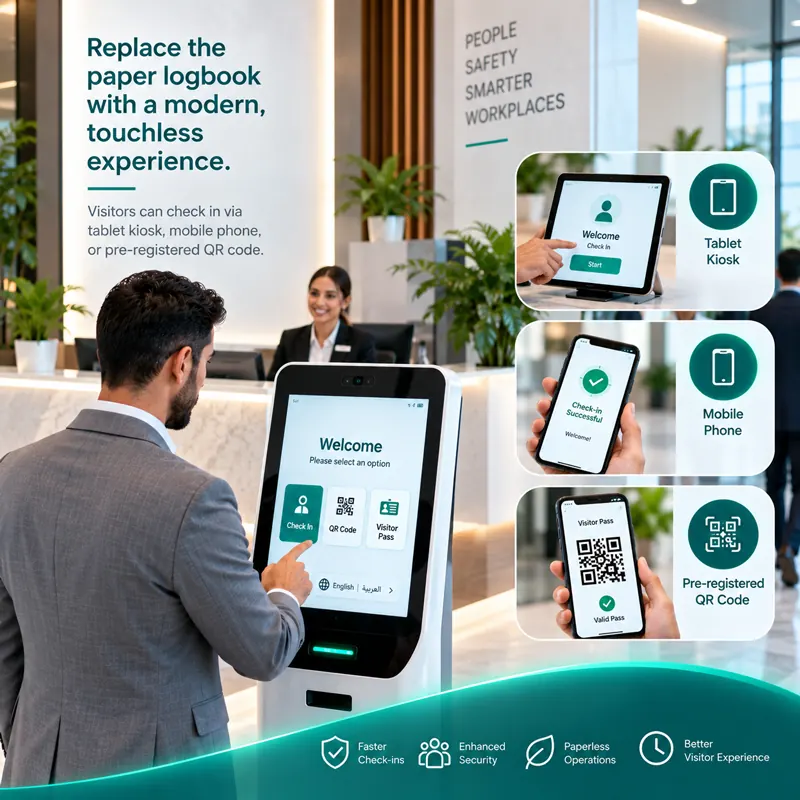
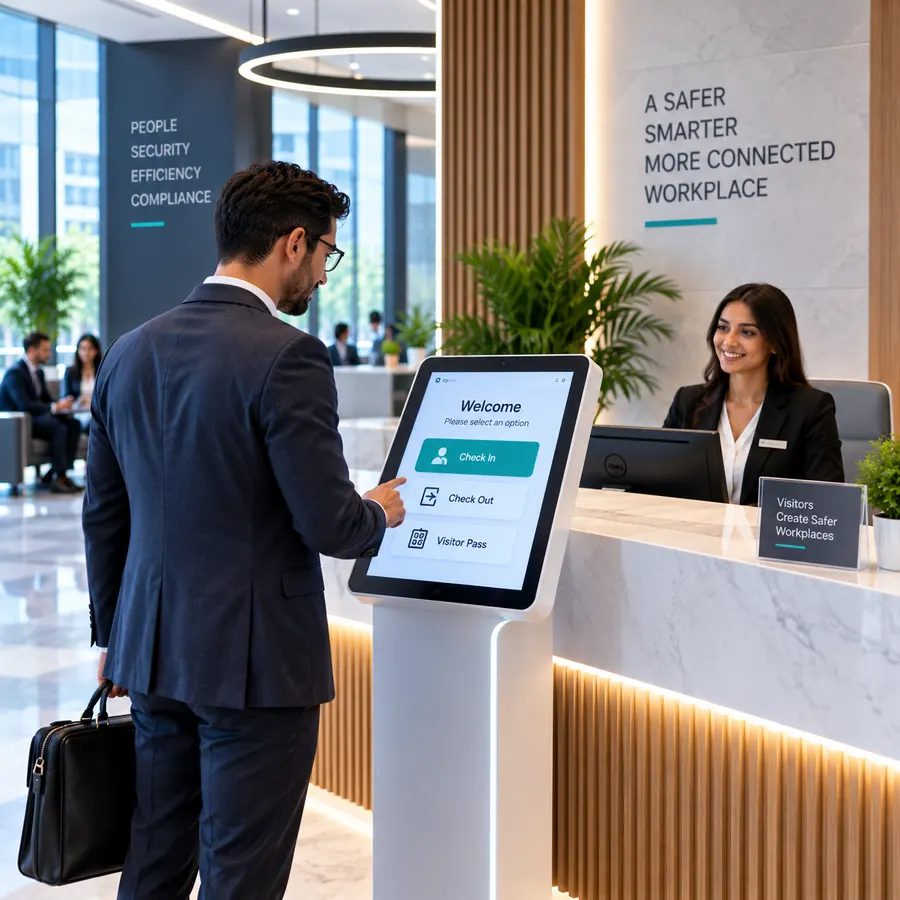
Reception is the first thing every guest, contractor and delivery driver sees. In many UAE offices it still runs on a paper logbook, a phone call to find the host and a handwritten sticker. A visitor management system (VMS) replaces those steps with a fast digital check-in and gives your team a live record of who is on site.
This guide explains what a visitor management system does, the features that matter most for workplaces in Dubai and the wider UAE, and how to choose and roll one out.
What is a visitor management system?
A visitor management system is software that registers, tracks and records everyone who visits your premises. Visitors check in on a tablet kiosk, on their own phone or with a QR code sent in advance. The system notifies their host, prints a badge, captures any agreements they need to sign and keeps a searchable record of the visit.
For security and facilities teams, the real value is visibility: at any moment you can see who is in the building, who they are visiting and when they arrived.
Why UAE workplaces are moving away from paper logbooks
- Faster arrivals. Busy lobbies in Business Bay, DIFC or Abu Dhabi's ADGM can't afford queues at the front desk. Self-service and pre-registered check-in take seconds.
- Accurate records. Handwriting is hard to read and easy to skip. Digital records are complete, timestamped and searchable.
- Privacy. An open logbook shows every previous visitor's name and phone number to the next person who signs in. A digital system keeps that data out of sight.
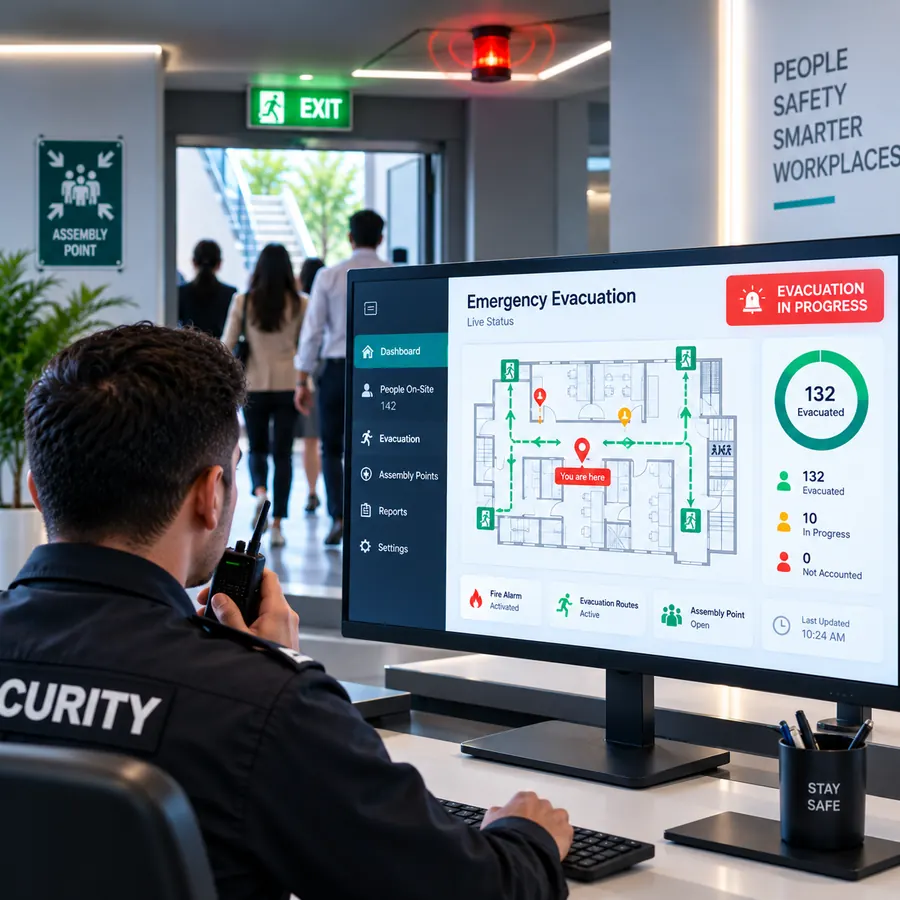
- Safety. In an emergency you need to know exactly who is on site. A paper list at the desk is the last thing anyone grabs on the way out.
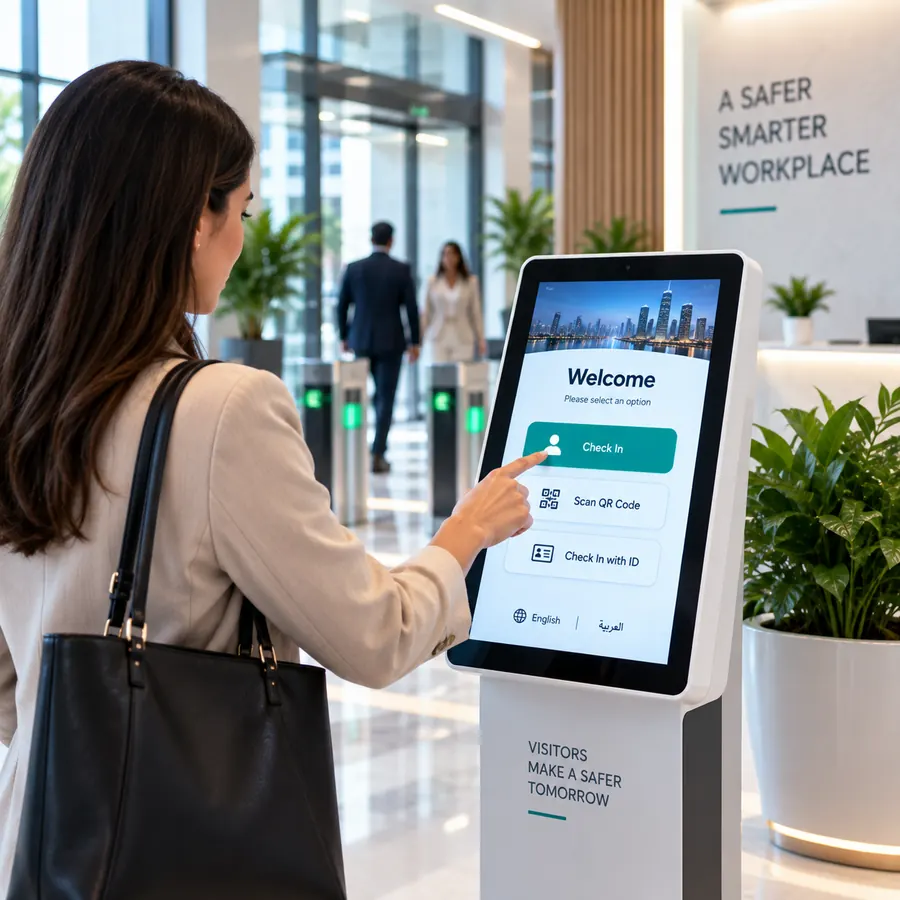
- A better first impression. A branded, bilingual welcome screen tells visitors you take their time, and your security, seriously.
Features to look for
Flexible check-in options
Different entrances need different methods. Look for a self-service kiosk for staffed and unstaffed lobbies, mobile check-in on the visitor's own phone, and pre-registration with QR codes for expected guests.
Arabic and English
Workplaces in the UAE welcome visitors from all over the world. Check-in screens, badges and notifications should work in both Arabic and English, with proper right-to-left layout for Arabic.
Host notifications
The host should know the moment their guest arrives, by email or SMS, without reception staff making phone calls. See how host notifications work.
Badges, agreements and screening
Printed visitor badges with a photo and QR code make it obvious who is a guest. Digital NDAs and safety agreements can be signed on screen during check-in, and watchlist screening alerts security if a restricted person tries to enter.
Evacuation and reporting
A live list of everyone on site turns into an evacuation roll call in an emergency. A dashboard with reports shows visitor numbers and peak times so you can plan staffing.
Multiple locations
If you have offices in Dubai and Abu Dhabi, or branches across the GCC, choose a system that manages every location from one account while keeping each site's settings separate.
How much does a visitor management system cost?
Pricing usually depends on the number of locations, kiosks and features you need. Zapio VMS has a free Starter plan for a single small office and a Business plan at AED 300 per month per location, with custom Enterprise pricing for larger organizations. Setup fees, SMS usage and kiosk hardware are charged separately. See the full pricing page for details.
How to roll out a visitor management system
- Map your visitor types. List who visits: clients, interview candidates, contractors, deliveries. Each may need different questions, agreements or badges.
- Choose your check-in methods. Decide where you need a kiosk, where mobile or QR check-in is enough, and who needs pre-registration.
- Import your host directory. Add employees so visitors can find their host and notifications reach the right person.
- Brand and translate. Add your logo, welcome message and Arabic and English text.
- Train reception and security. A short walkthrough is usually enough. Show them the live dashboard and the evacuation list.
- Go live and review. After the first few weeks, look at your reports and adjust questions, badge layouts and notifications.
Frequently asked questions
Is a visitor management system only for large companies?
No. Small offices, clinics and co-working spaces benefit just as much from faster check-in and better records. Zapio VMS has a free Starter plan for a single small location.
Do visitors need to download an app?
No. Visitors check in on the kiosk, by scanning a QR code, or through a link on their phone's browser.
Can we use our own tablets?
Zapio VMS runs on tablet kiosks and works with compatible badge printers. Talk to our team about which hardware suits your reception.
Want to see it in your own reception? Book a free demo with our Dubai team.